


Apple have released the much-awaited iOS 18 for iPhone owners; and it comes with a lot of new features.
Cross platform texting
Once iPhone users install iOS 18 on their devices, iPhone and Android users will finally be exchanging texts on the same messaging protocol.
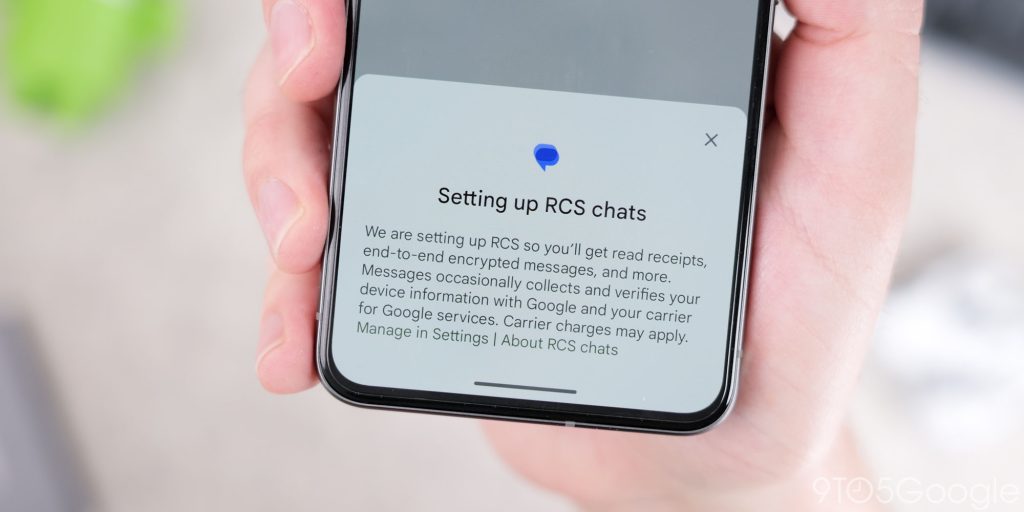
After years of heel dragging and accusatory remarks from Google, Apple has adopted the Rich Communications Standard (RCS) for messages between iPhone and Android devices. Apple-to-Apple messages will still be handled by the much-loved iMessage standard.
What that’ll mean for cross platform texting is live typing indicators, message editing, proper rendering of reactions, delivered/read indicators, and full resolution videos and images. It basically remedies everything that’s made having cross platform group chats an awful experience for years. RCS is also much more secure than the ancient SMS standard it’ll replace, so everyone’s a winner.
Controls gallery
You can now add more controls from the Controls gallery, which displays all your options in one place, including new controls from your favorite apps.
Other features
Elsewhere in iOS 18, there’s the revamped satellite messaging, the new iCloud Passwords app, and loads more. What’s missing for now are the Apple Intelligence AI features, expected in iOS 18.1 before the end of the year for iPhone 15 Pro and up. Until that point RCS messages (which will still be green, sorry Android users) is perhaps the biggers change.
How to install
To download iOS 18 on iPhone, head to Settings > General > Software Update and check for availability. If you have automatic downloads enabled, it may be there in the background waiting for you to simply install. You’ll need to be on Wi-Fi and have enough battery life remaining. It’s also wise to perform a backup of your phone via iCloud (if that’s your preferred method) before installing.


